Mundo: Towards Customizable World Models
Video results that accompany the paper. This page is a single offline file. Every video and image it shows is stored under
assets/, grouped by section, and can be opened directly. Unless noted, videos are generated at 640×480 and 24 fps, and play muted in a loop. Click a video to pause it.
Demo video
2507_demo_video.mp41Spatial exploration
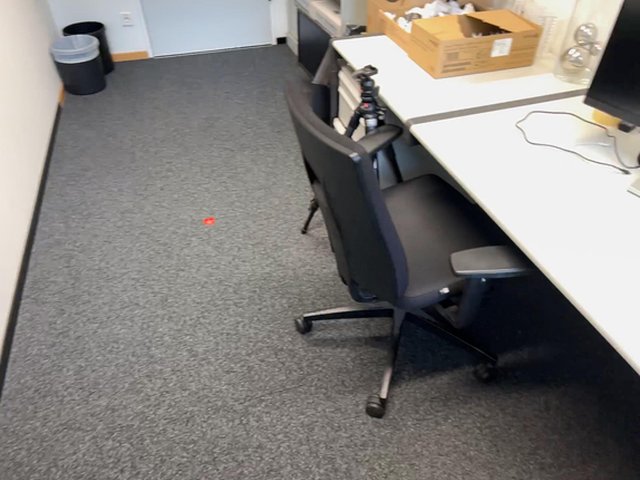
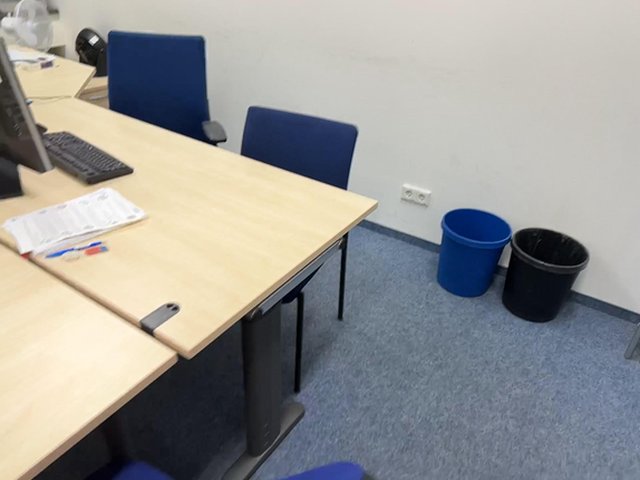
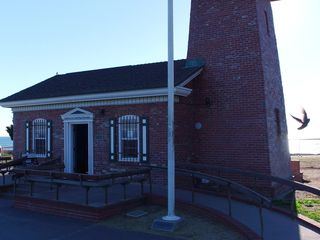
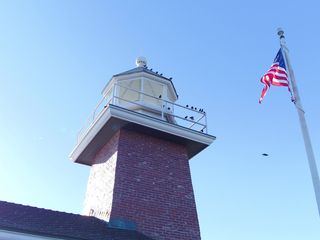
From the context views of a scene, Mundo reconstructs a 3D proxy world and generates videos along camera paths chosen by the user. Each result shows three synchronized views. Left, the scene in 3D with the camera path in red and the current camera riding it. Middle, the proxy video rendered from the 3D proxy world. Right, the generated video.
Real scenes
9 context views304 frames, 12.7 s
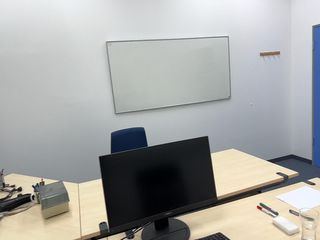
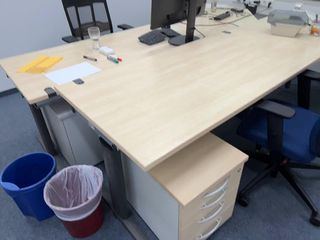
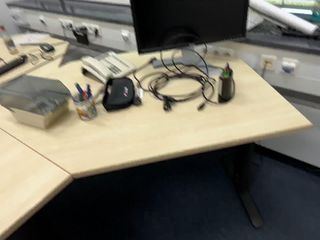
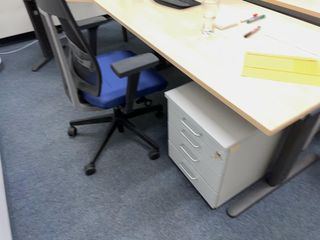
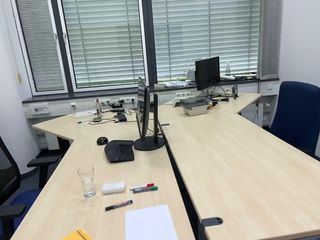
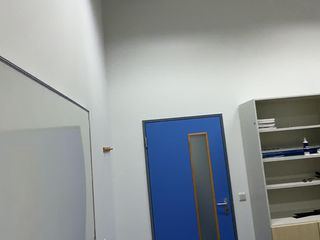
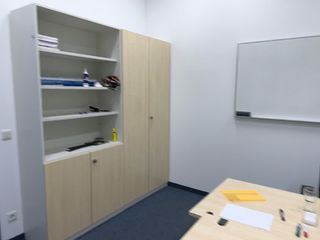
9 context views304 frames, 12.7 s
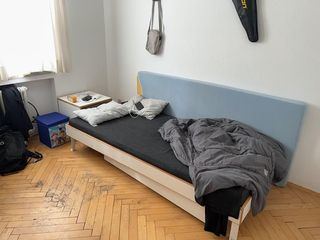
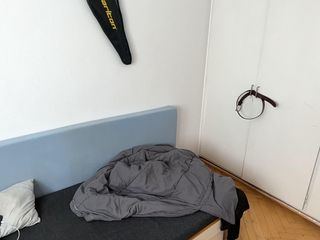
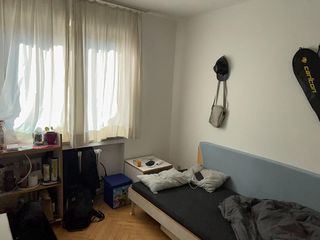
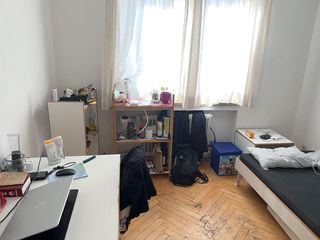
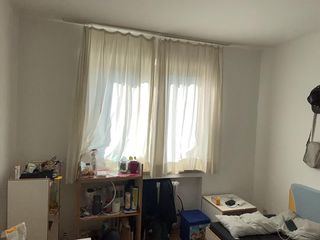
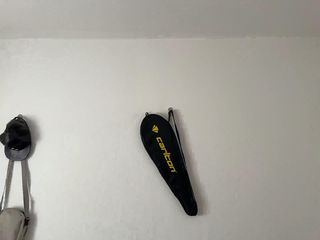
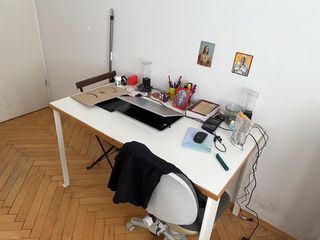
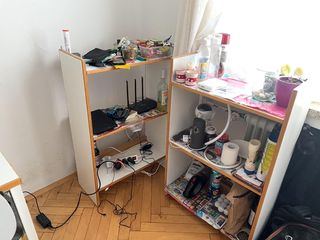
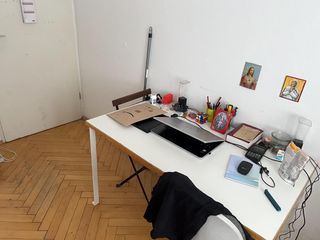
9 context views394 frames, 16.4 s
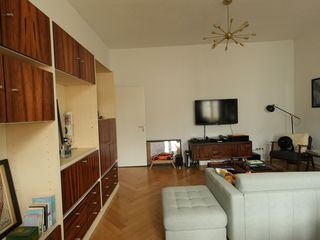
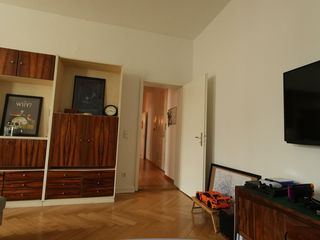
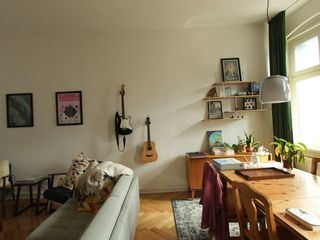
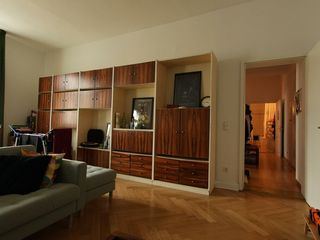
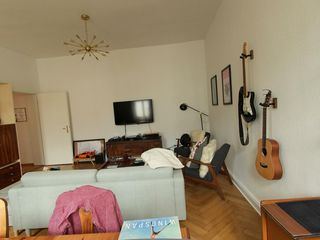
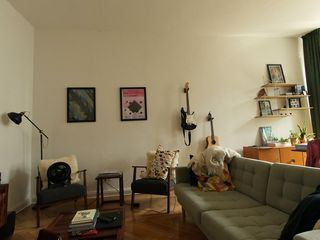
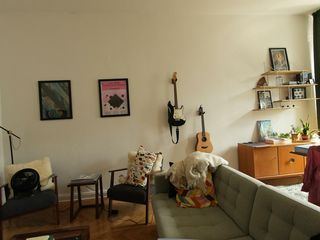
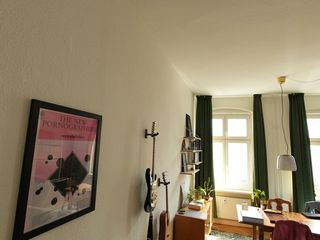
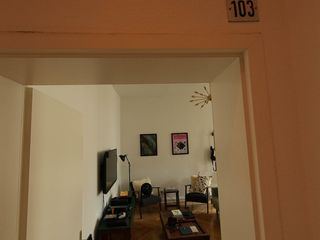
9 context views394 frames, 16.4 s
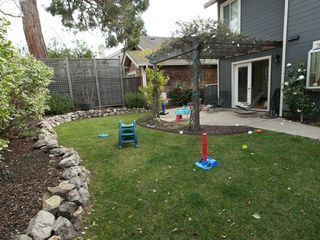
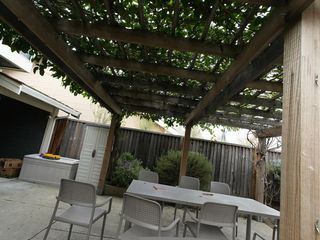
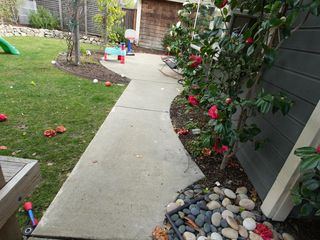
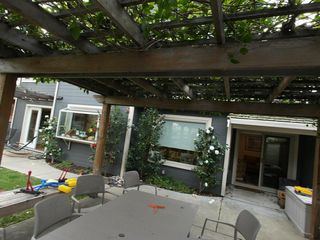
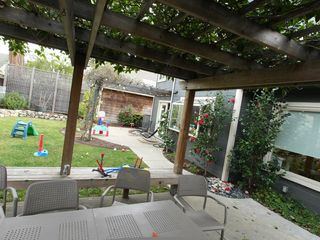
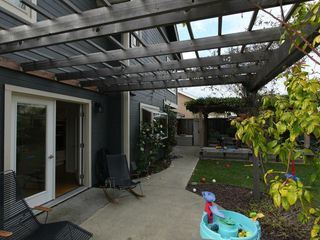
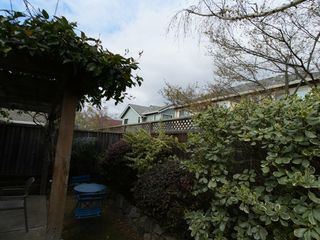
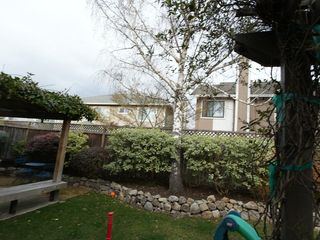
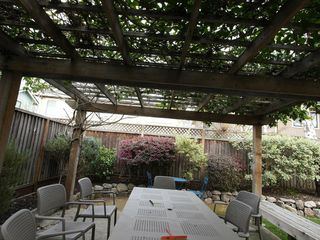
9 context views394 frames, 16.4 s
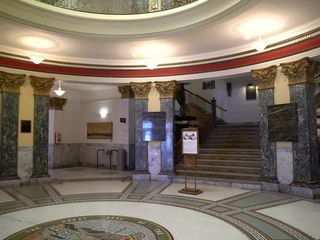
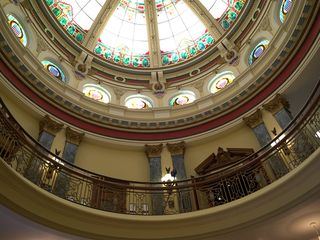
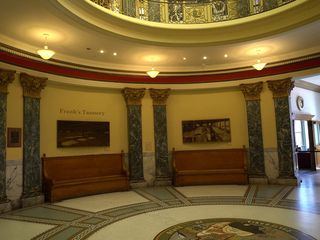
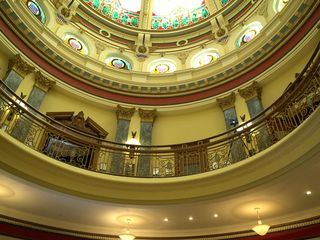
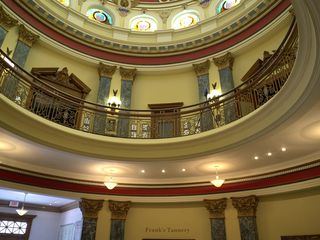
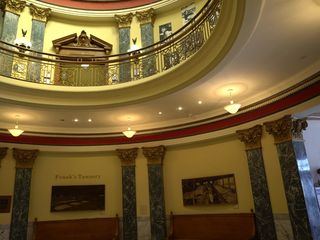
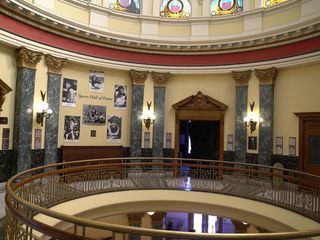
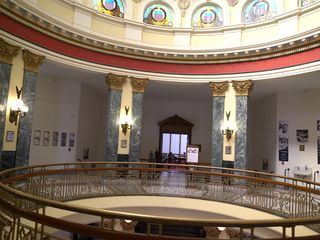
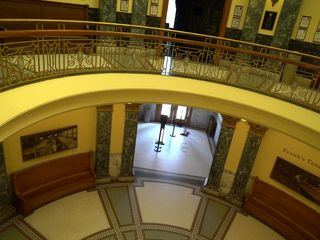
9 context views394 frames, 16.4 s
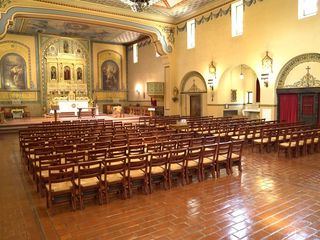
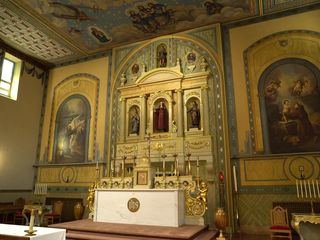
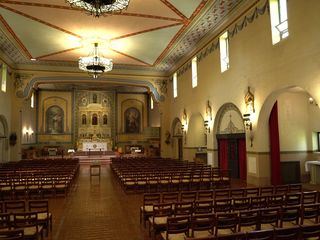
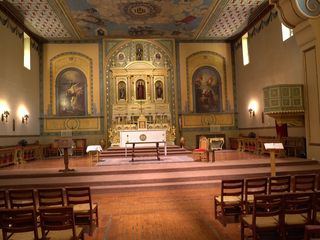
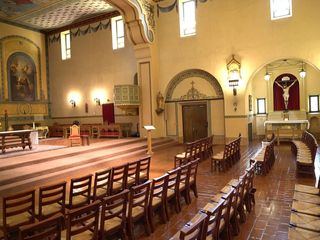
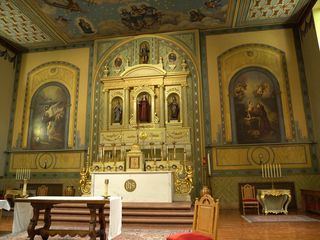
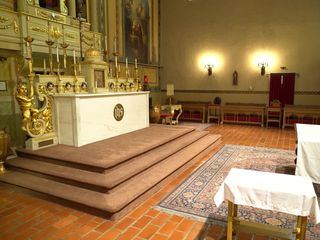
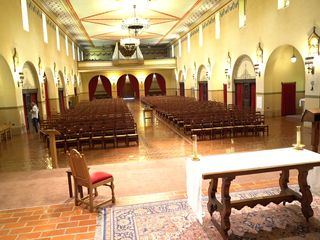
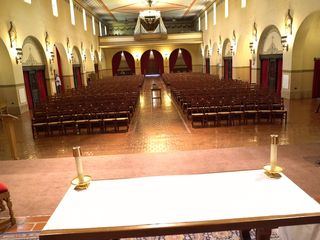
9 context views394 frames, 16.4 s
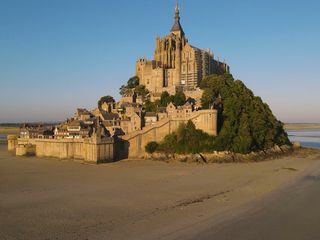
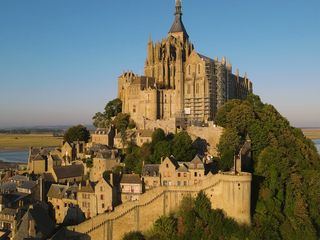
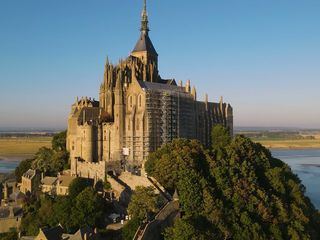
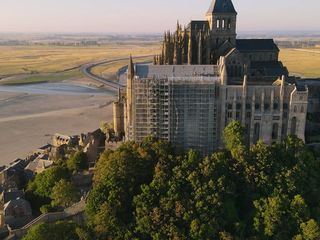
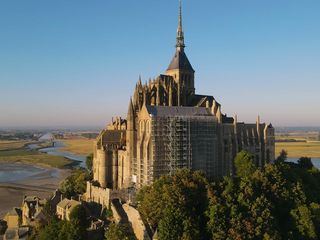
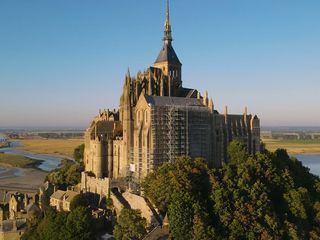
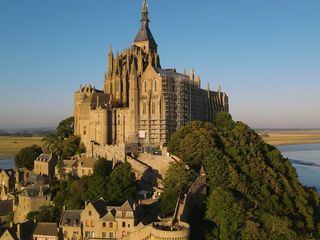
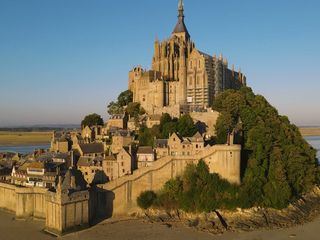
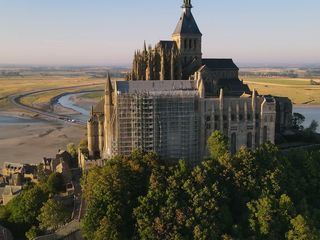
9 context views394 frames, 16.4 s
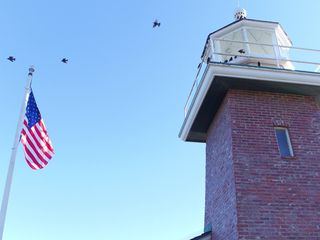
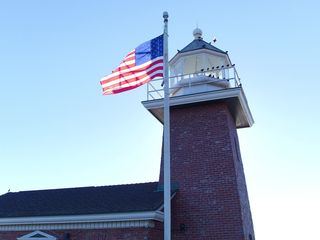
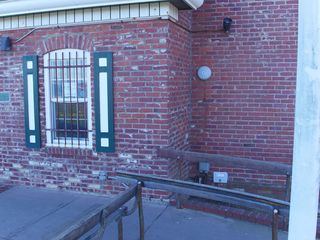
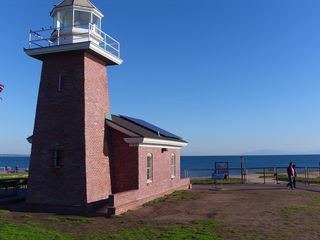
Scenes from a single image
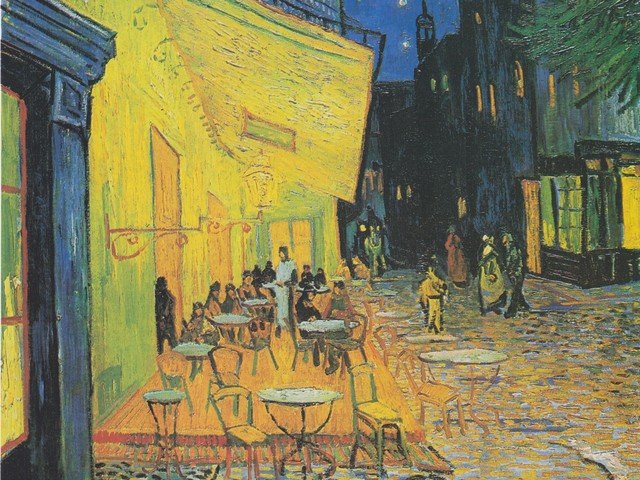
The 3D proxy world is built from one image, either a generated image or a painting.
A generated image.
1 context view304 frames, 12.7 s
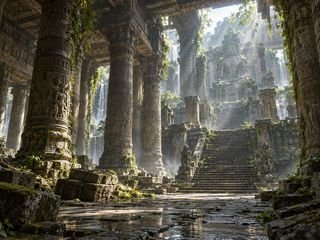
A generated image.
1 context view304 frames, 12.7 s

A generated image.
1 context view304 frames, 12.7 s

Vincent van Gogh, Café Terrace at Night, 1888.
1 context view304 frames, 12.7 s
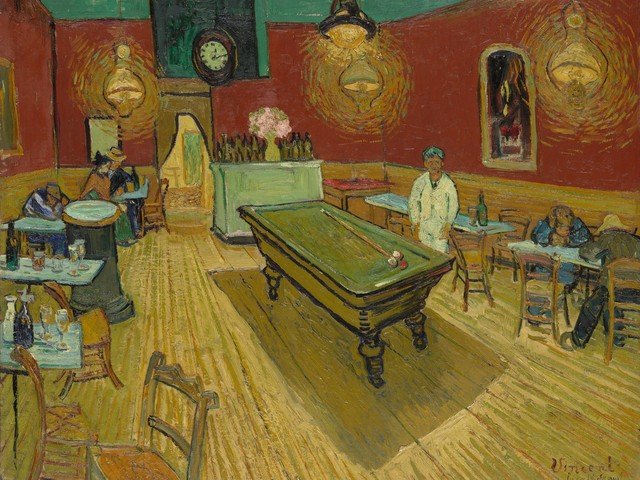
Vincent van Gogh, The Night Café, 1888.
1 context view304 frames, 12.7 s
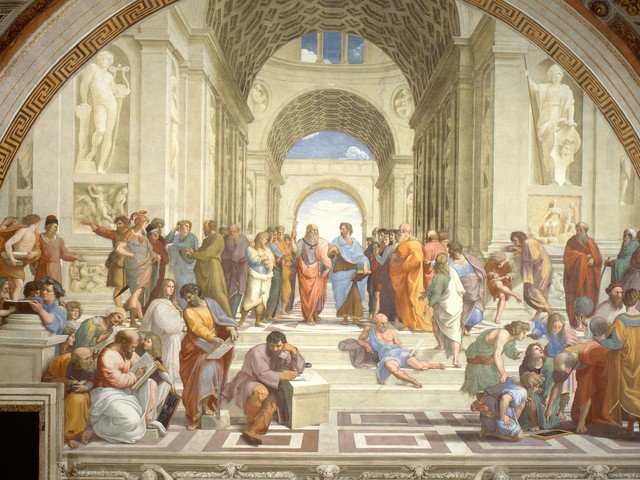
Raphael, The School of Athens, 1509–11.
1 context view304 frames, 12.7 s
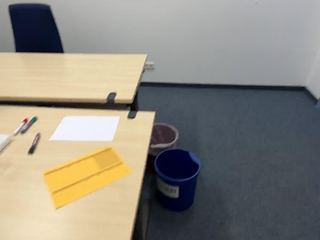
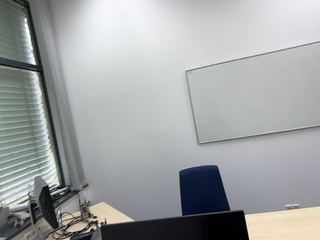
Number of context views
The same camera path in the office, generated from 1, 3 and 9 context views.
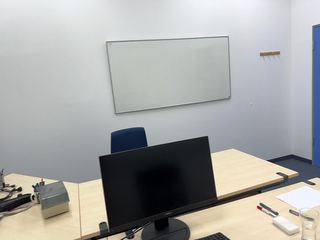
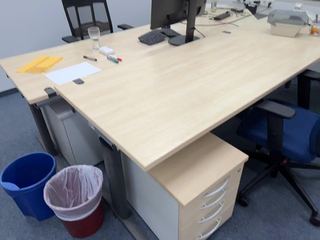
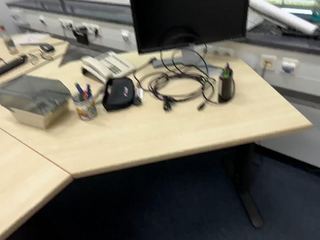
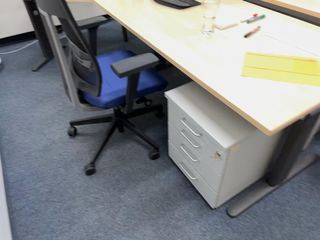
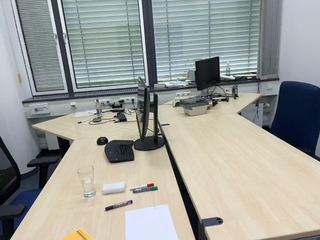
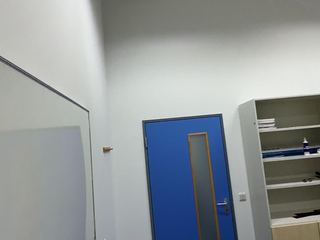
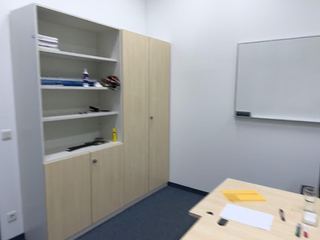
Long paths in large scenes
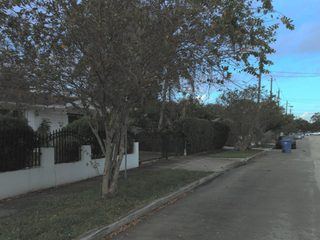
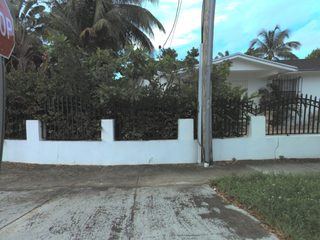
A long path is generated chunk by chunk. Each chunk uses the context views that observe its part of the scene, which light up in the 3D view.
19 context views574 frames, 23.9 s6 chunks
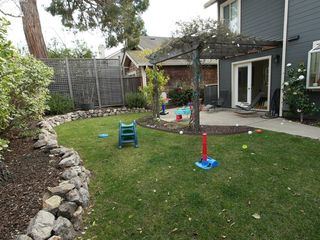
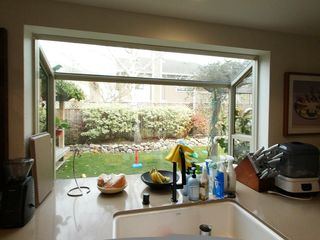
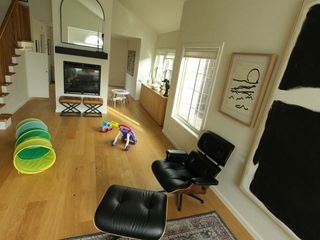
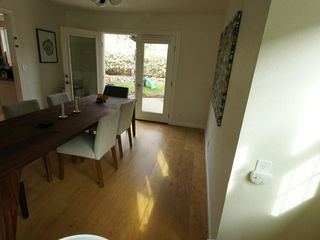
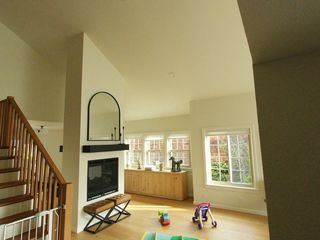
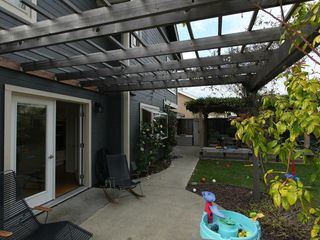
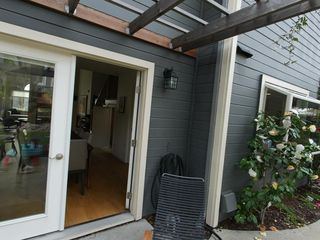
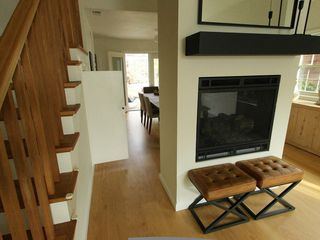
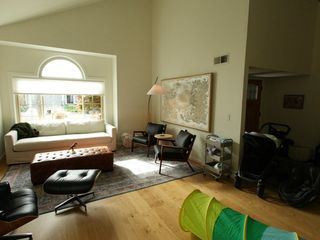
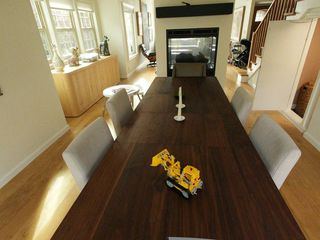
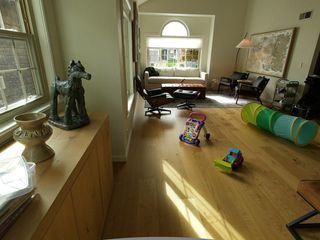
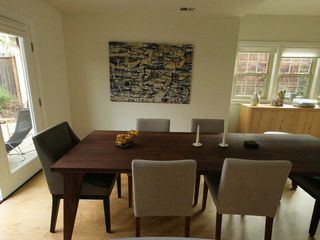
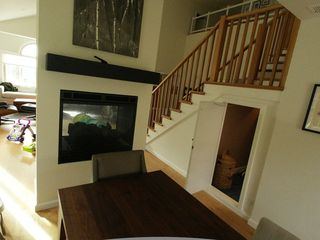
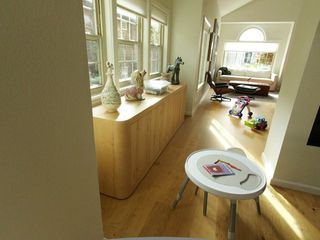
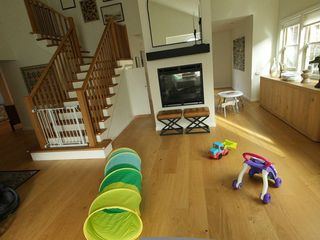
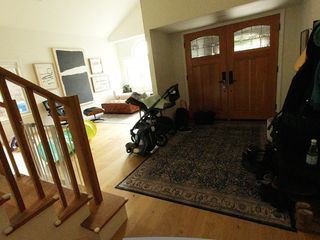
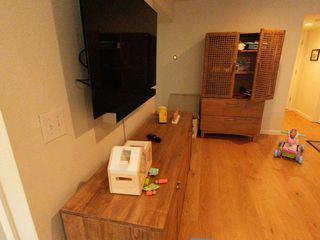
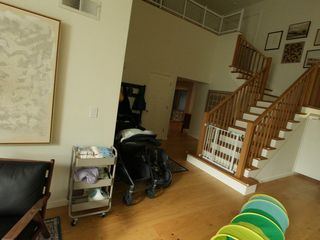
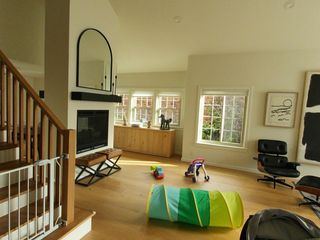
37 context views1114 frames, 46.4 s12 chunks
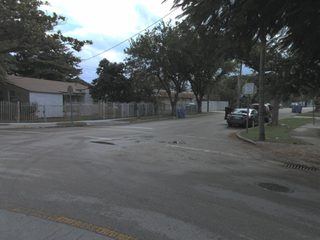
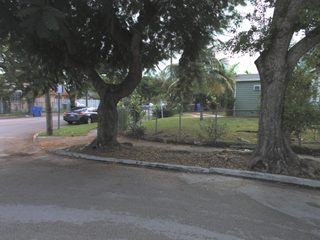
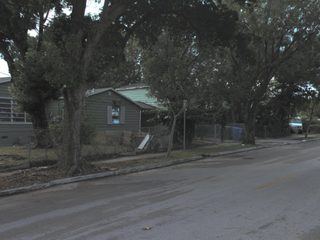
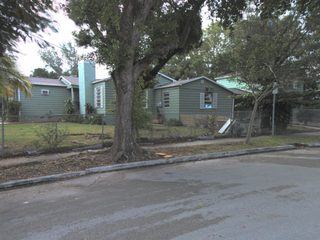
2Physical interaction
Objects of the 3D proxy world are simulated by a physics engine. The scene program states what happens, the simulation gives the proxy video, and the generated video follows the simulated motion.
Editing the scene program
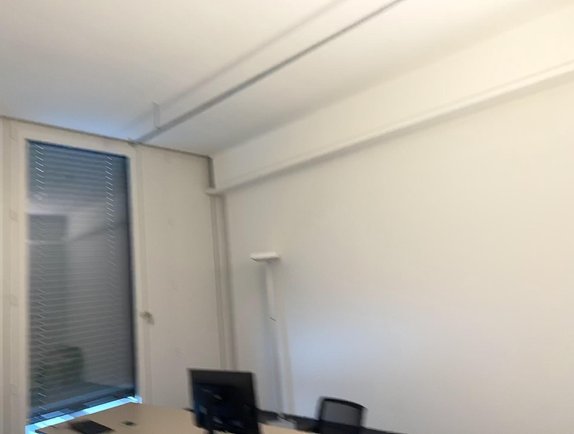
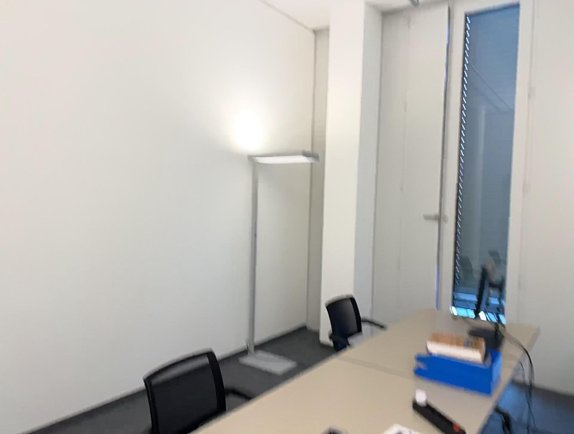
One office reconstructed from 9 context views. Each card below runs one action of the scene program on it.
bin.shove(dir='front', force=3.6, at=0.28)
A steady push at the rim of the blue bucket, slightly stronger, leans it forward past its balance point.
bin.shove(dir='pedestal', force=6, at=0.08)
A firmer push at the bottom of the blue bucket slides it about 26 centimetres across the carpet until it bumps into the side of the white pedestal.
chair.pull(dir='out', force=18, at="armrest")
The swivel chair is drawn back by one armrest: it rolls about 33 centimetres back from the desk on its casters while the seat swings round by about 90 degrees, then slows and stops short of the wall behind it.
desk.pound(at="front of keyboard", force=6000)
A hard blow pounds the near desk top just in front of the keyboard.
pedestal.drawer(3).open(0.30)
The third drawer of the white pedestal slides straight out about 30 centimetres on its rails and stops.
monitor.push(dir='back', force=36, at=0.44)
A push at the top of the monitor tips it backward.
A longer program on the same office. A drawer opens, an apple floats out and is thrown at the monitor, and the scene freezes at the impact while the camera keeps moving.
t = office.timeline()
t.at(0.60).run(drawer.open(0.28))
t.at(1.90).run(apple.float_to(front_of=monitor))
t.at(3.20).playback(rate=0.2)
t.at(3.45).run(apple.throw(at=monitor.top, speed=13.5))
t.at(5.00).freeze(7.5)
t.at(15.40).playback(rate=1.0)
Scenes from a single image
Each scene is built from one image. The physical parameters listed with each case are set in its scene program.
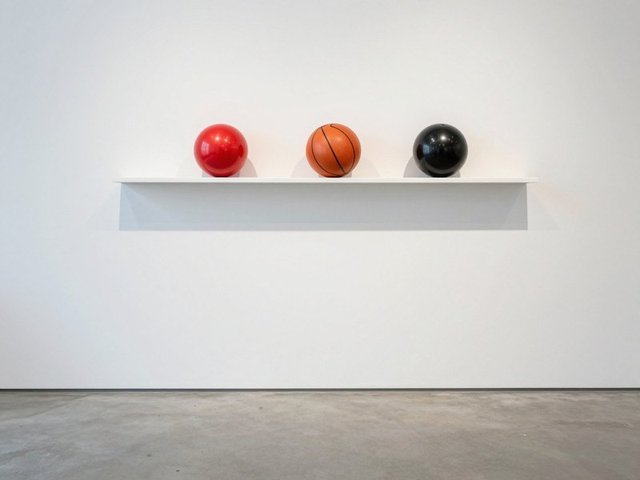
A spring shelf drops three balls of the same size from the same height; only their materials differ.
drop 0.98 mmass 0.35 · 0.60 · 6.5 kg
A ball that is not in the photo rolls in and hooks into the pocket; ten pins scatter in slow motion.
ball 6.5 kg · 7.5 m/spins 1.53 kglane μ 0.03 → 0.35
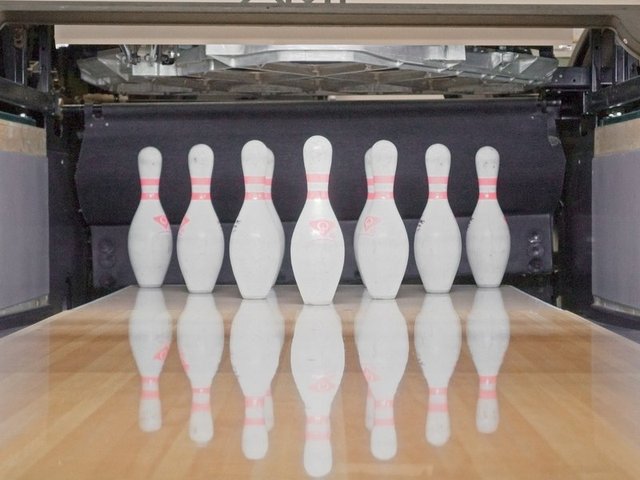 assets/2_physical_interaction/single_image/bowling/input_image.jpg
Photo: Let’s Go Bowling (2), Musicman Loxton, CC BY 2.0, cropped.
The cargo bay loses its gravity: three objects lift off, drift and tumble, and bump into each other in mid-air.
g 9.81 → 0 at 1.5 snudge 0.2 m/s uprestitution 0.4
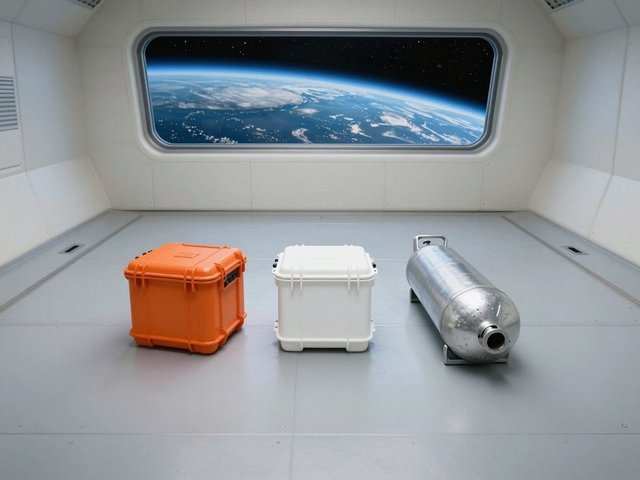 assets/2_physical_interaction/single_image/zero_g/input_image.jpg
One slab tips and the whole row of giant dominoes goes down, each pushing the next, shown in slow motion.
slab 25 kg · 1.2 mμ 0.45 slab to slab
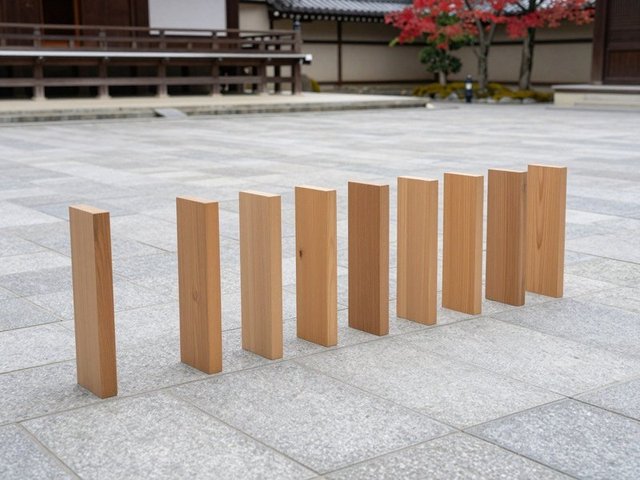 assets/2_physical_interaction/single_image/dominoes/input_image.jpg
The top barrel rolls off the pile and swings the hanging sign aside; then the upright barrel tips over and rocks to a stop.
barrel 55 kgsign 4 kg on two hingesrestitution 0.25
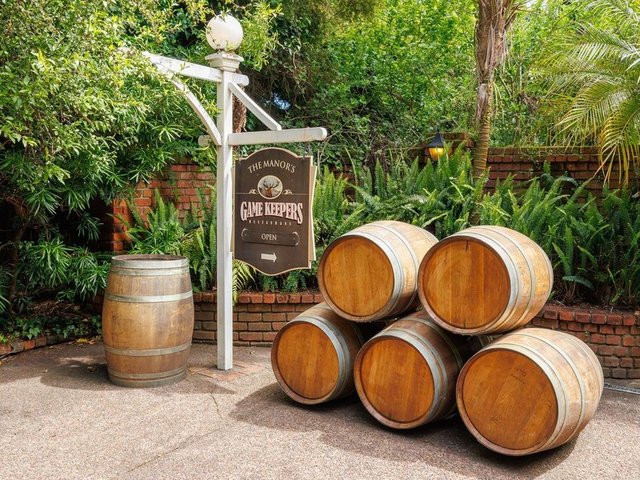 assets/2_physical_interaction/single_image/barrels/input_image.jpg
Photo: Stacked barrels, Settlers Country Manor, Bjankuloski06, CC BY 4.0, cropped.
On the Moon a light push sends a crate and a canister on long, slow arcs; they land softly and settle.
g 1.62 m/s²launch 2.15 · 2.0 m/s uprestitution 0.3
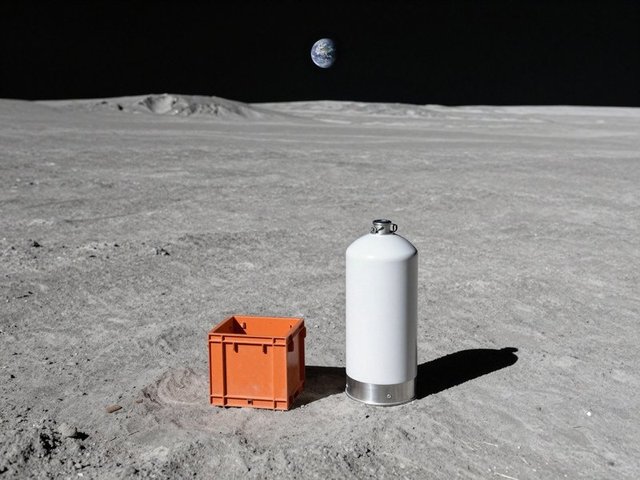 assets/2_physical_interaction/single_image/moon/input_image.jpg
Two wheels slide off a stack of winter tyres; each lands on its rim edge, wobbles and settles flat.
wheel 20 kg · Ø 0.65 mpush 320 Nrestitution 0.45
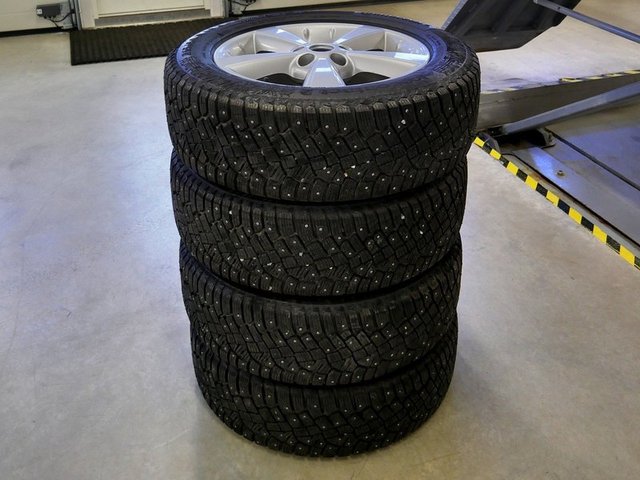 assets/2_physical_interaction/single_image/tires/input_image.jpg
Photo: Car tire stack, Santeri Viinamäki, CC BY-SA 4.0, cropped.
3Embodied simulation
Simulation-ready robots are placed into the 3D proxy world, simulated, and rendered into videos.
Navigation
A humanoid walks a planned route through the reconstructed office, seen from a camera that follows it and from its own head camera.
Manipulation
Four robots perform the same task in a scene built from a single image.
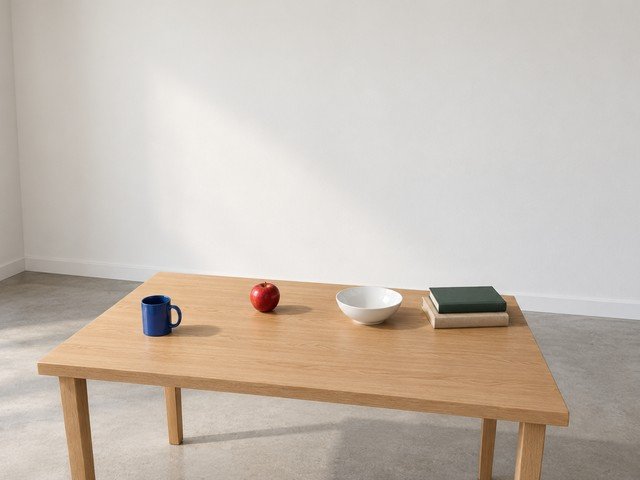
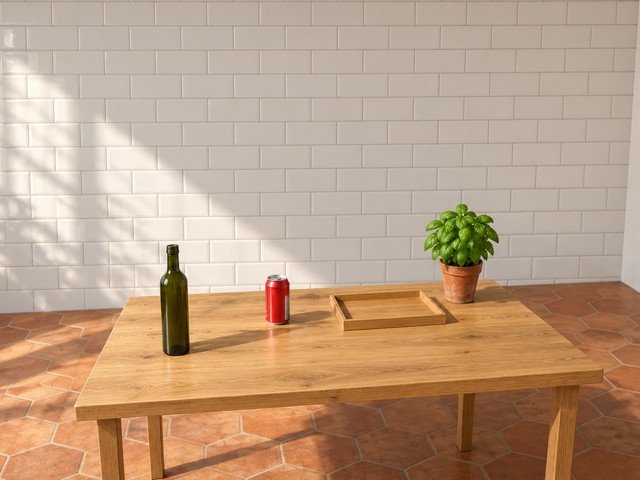
4Bullet time
The scene is frozen at a chosen moment while the camera keeps moving, and then time resumes.
5Dense 3D tracking
Mundo generates each video from a simulated world state, so the 3D trajectory of every point on the simulated objects comes with the video. Each point keeps one colour, and its tail is its 3D path over the last second.
A humanoid walks through the reconstructed office. 247 points on the robot.
A robot puts an apple into a bowl. 318 points on the moving parts of the robot and the apple.
A row of slabs topples one after another. 493 points on the slabs.
A ball strikes ten pins. 663 points on the ball and the pins.
6Comparisons with existing methods
Spatial exploration
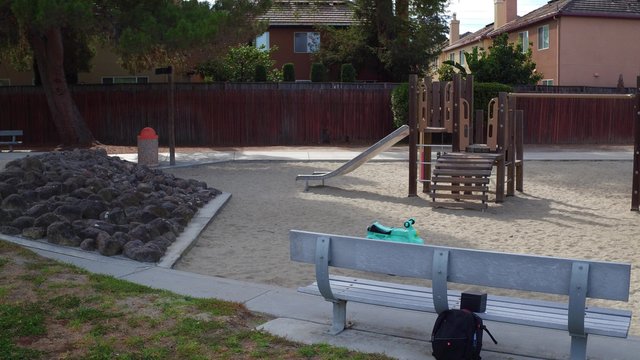
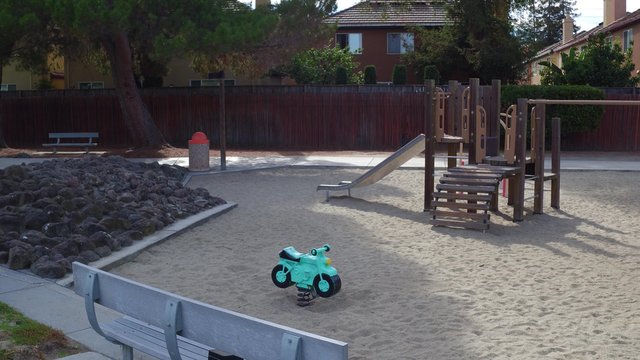
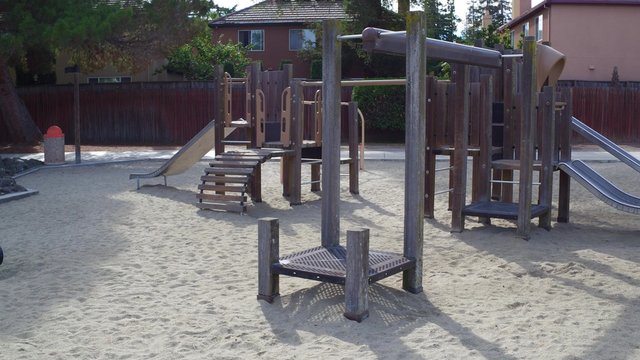
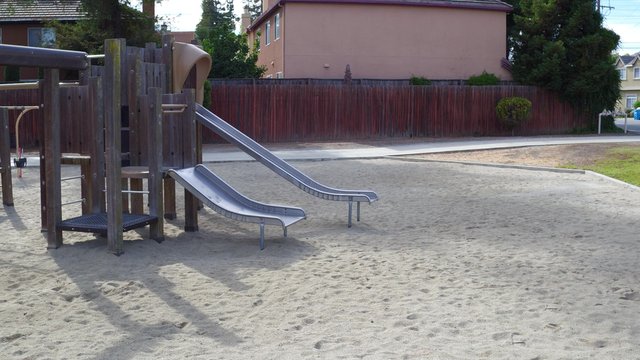
All methods receive the same context views and camera path. Ground truth exists at 13 keyframes of the path, so its tile advances keyframe by keyframe.
Physical interaction
The Simulation tile shows the motion given by the physics engine. Videos with a different frame rate are aligned in time.