Mundo

Supplementary material · Anonymous CVPR 2027 submission · Paper ID 2507

Mundo: Towards Customizable World Models

Video results for the paper. This page works offline, and every video and image it shows is stored under assets/, grouped by section, where it can be opened directly.

2507_demo_video.mp4

01

Spatial exploration

Set a camera path through a scene. Mundo generates new views, using the context views as input and filling unseen areas.

1.1Real scenes

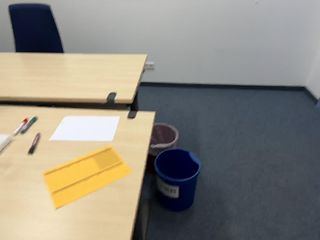
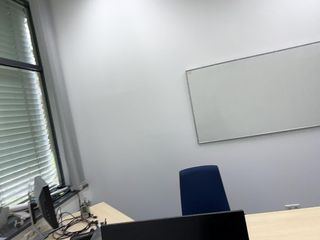
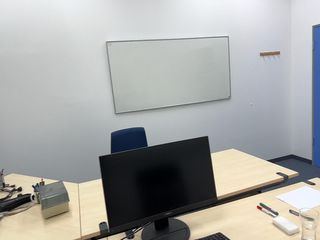
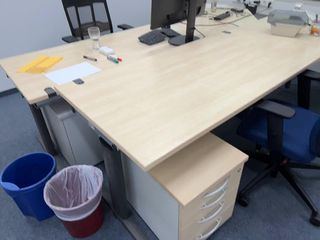
The stage shows the context views on their cameras, the camera path, and the camera being rendered. The proxy video is rendered from the 3D proxy world along the same path.

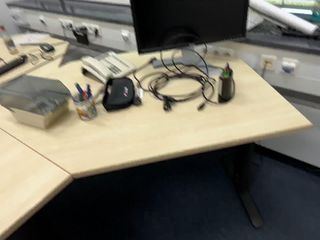
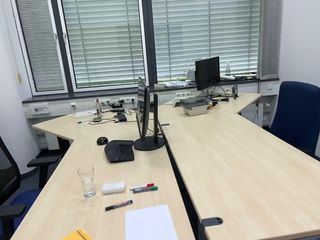
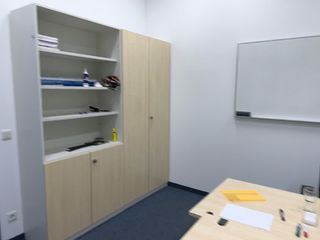
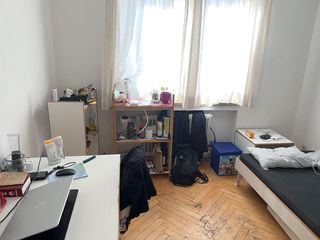
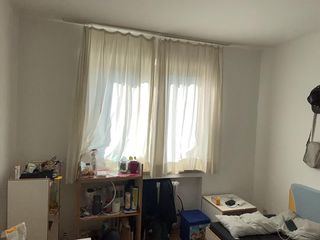
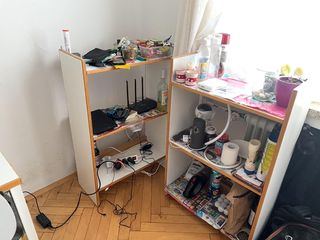
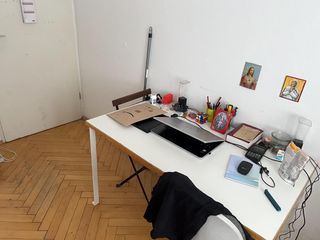
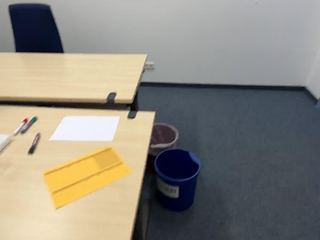
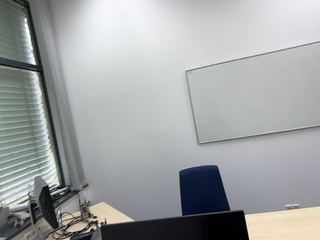
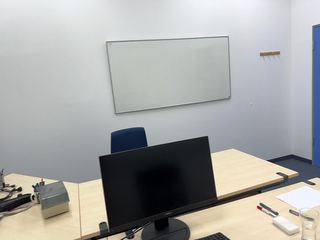
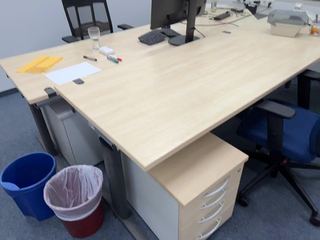
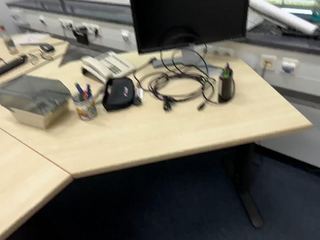
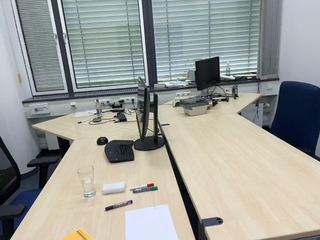
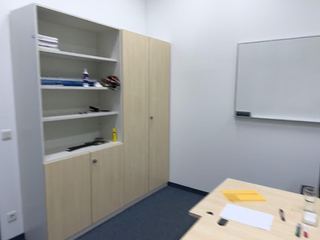
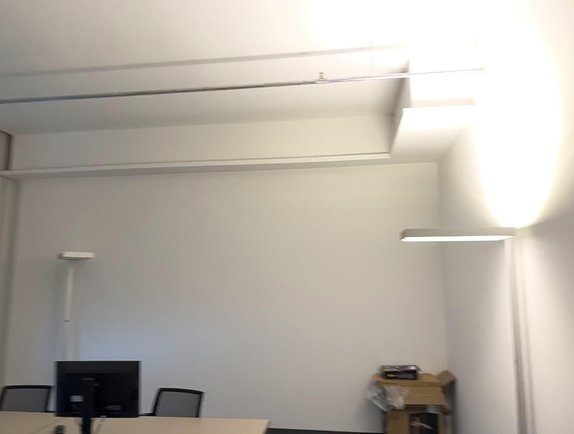
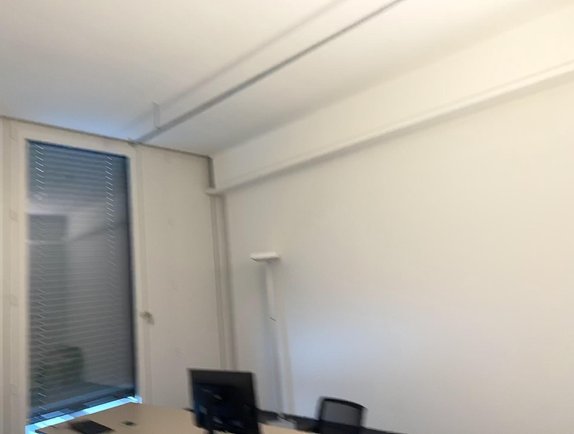
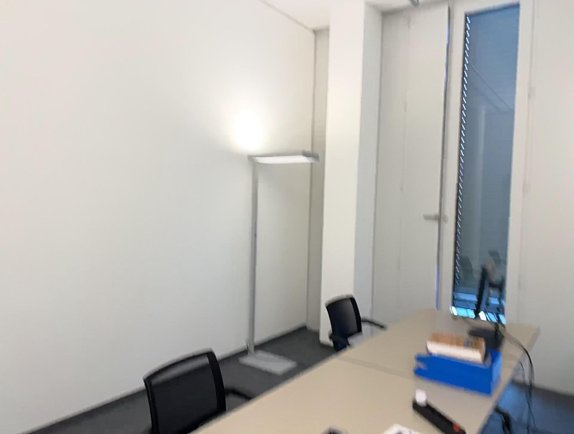
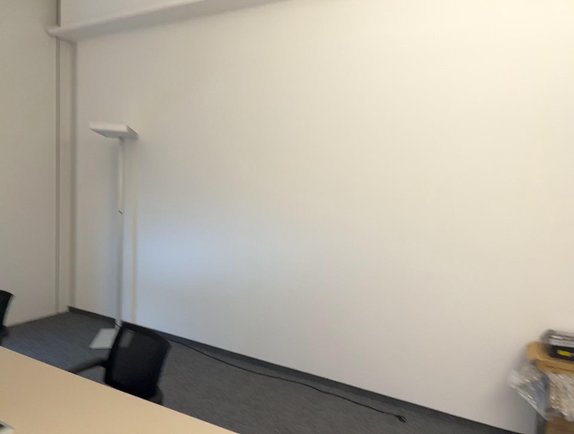
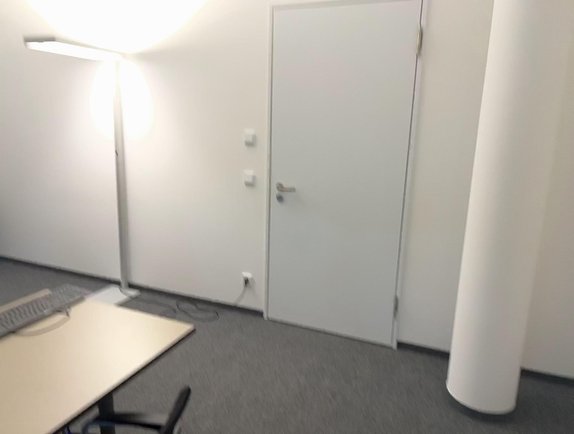
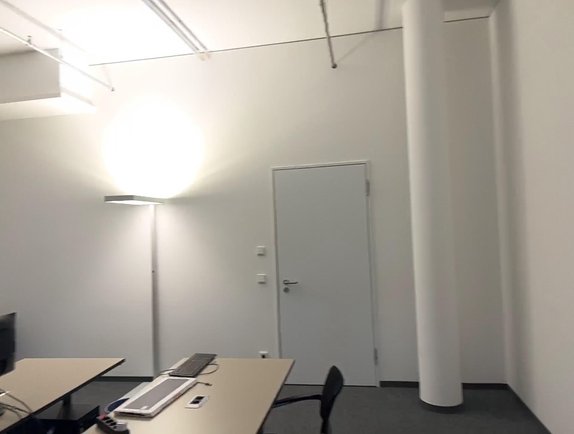
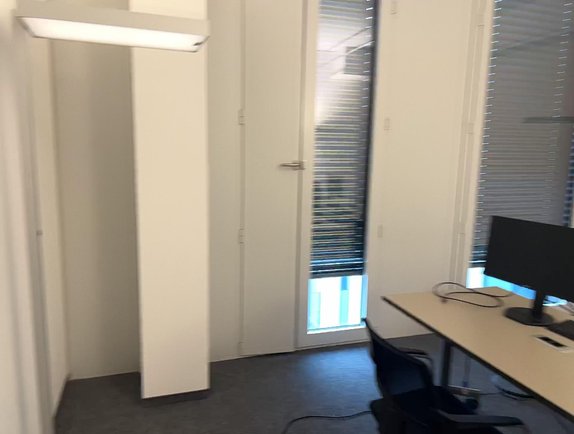
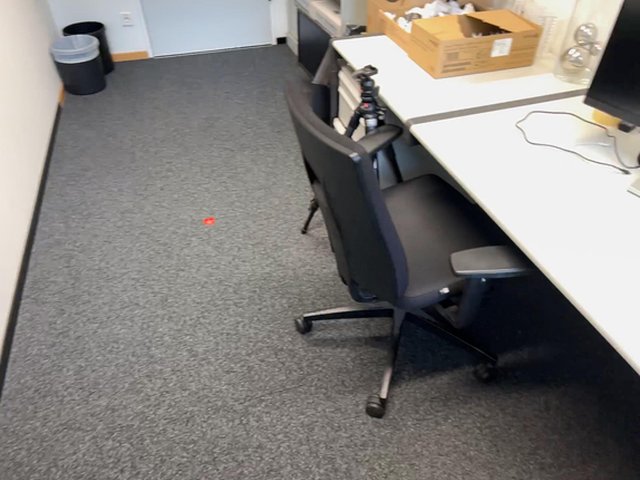
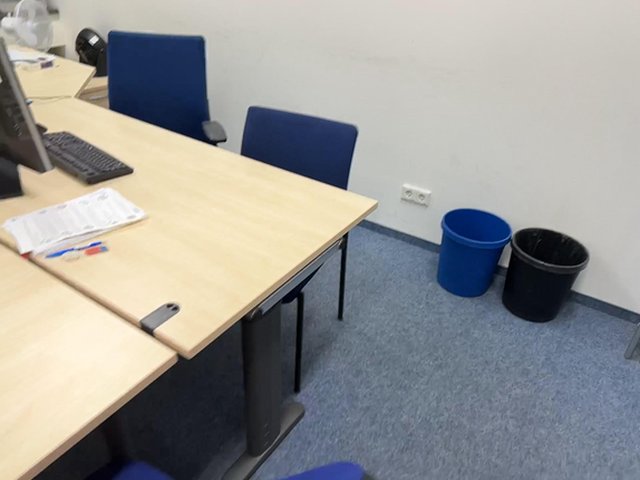
Office
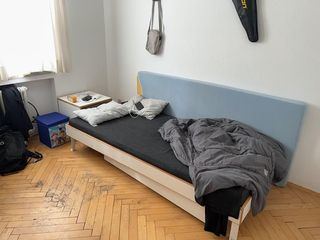
Bedroom
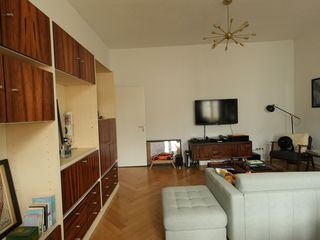
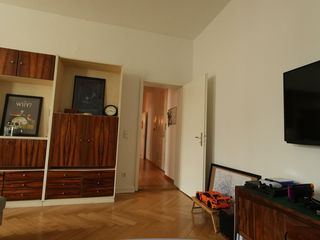
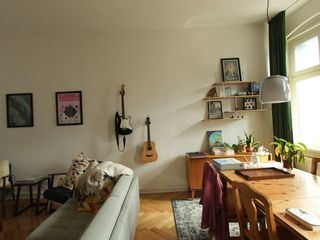
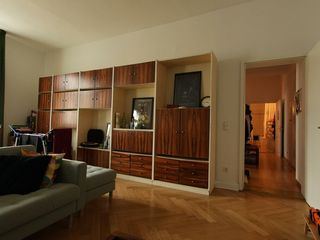
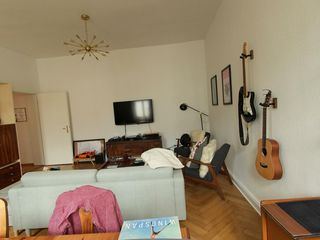
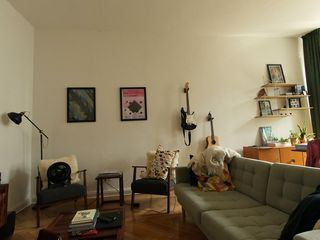
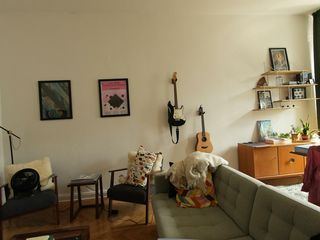
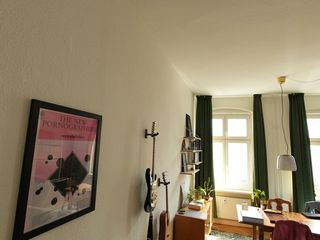
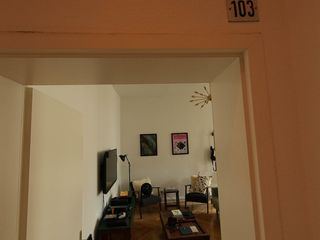
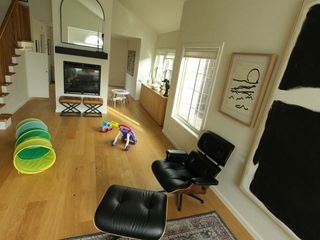
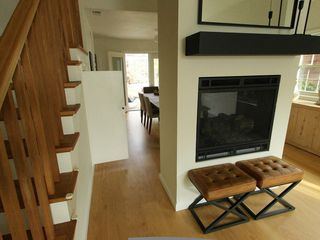
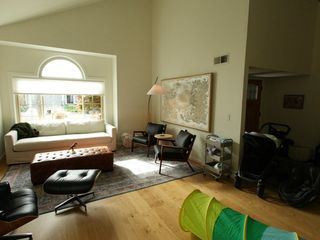
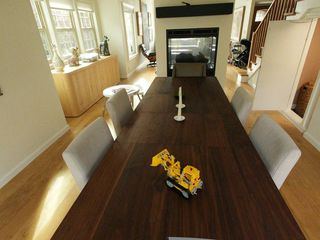
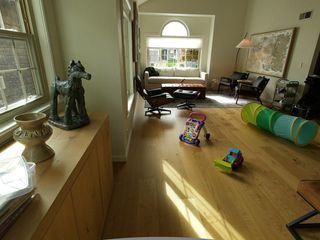
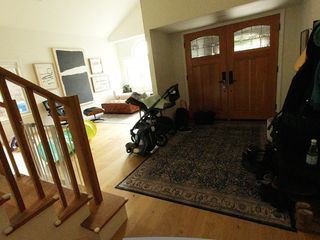
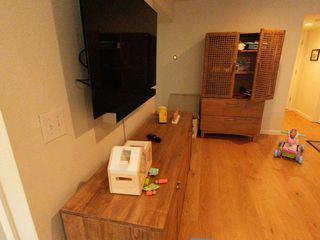
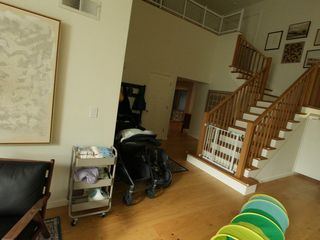
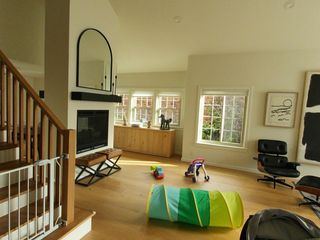
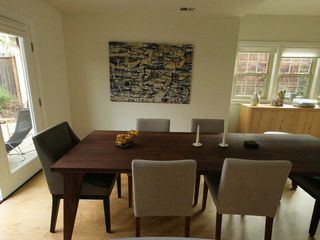
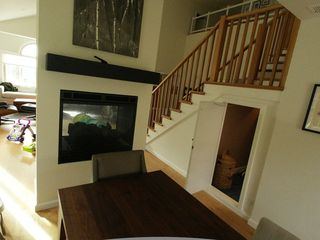
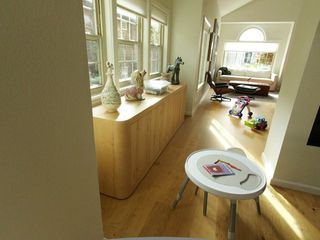
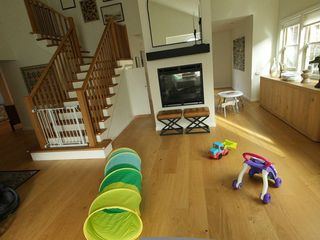
Apartment
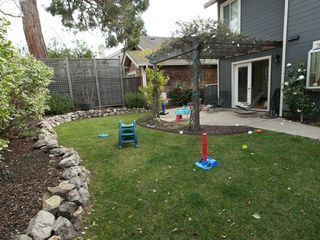
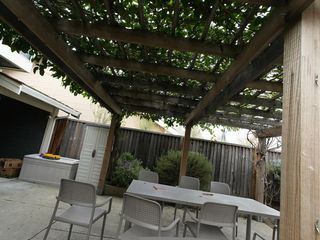
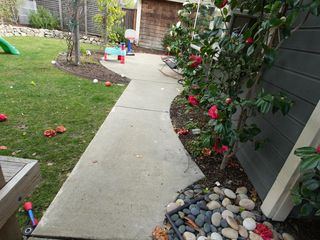
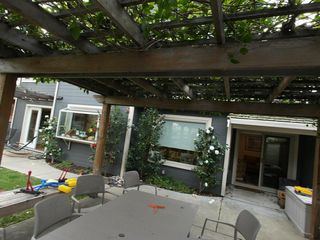
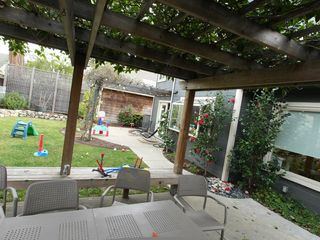
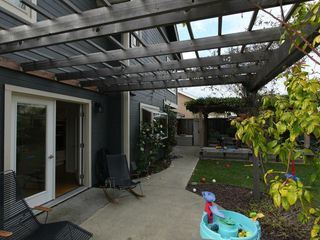
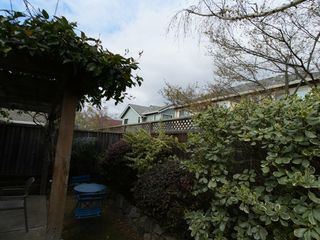
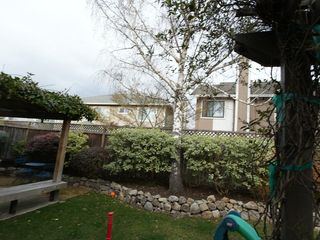
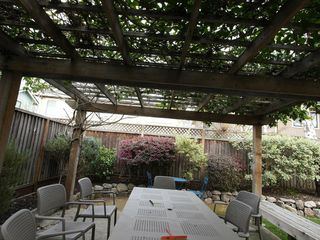
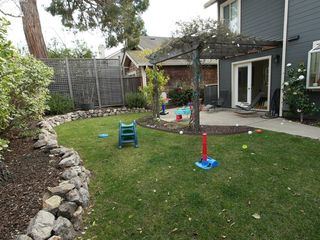
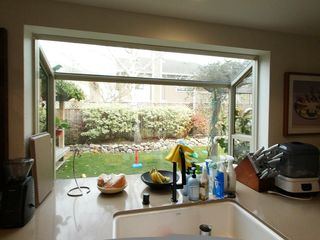
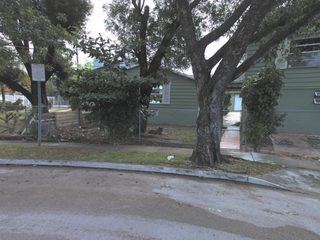
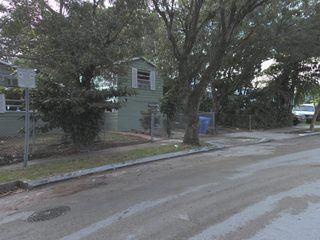
House and garden
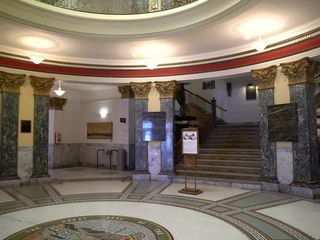
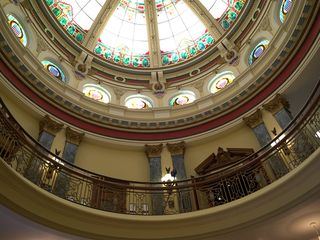
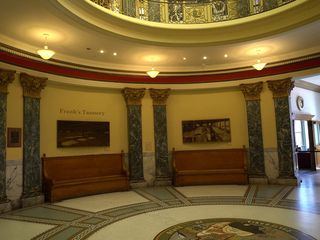
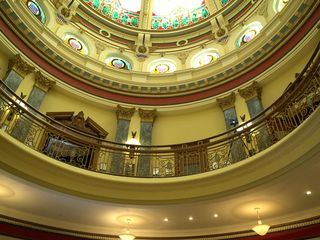
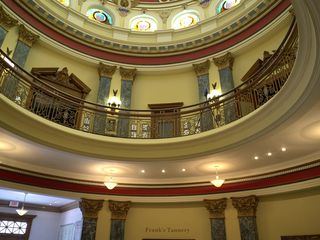
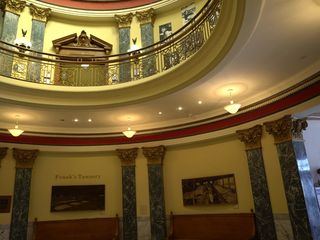
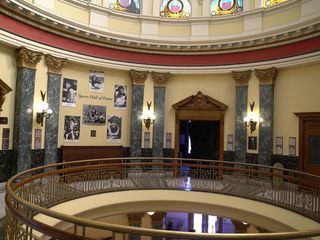
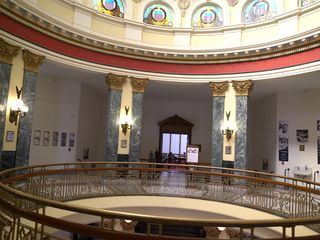
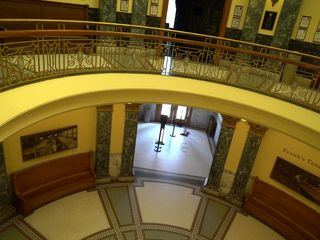
Rotunda museum
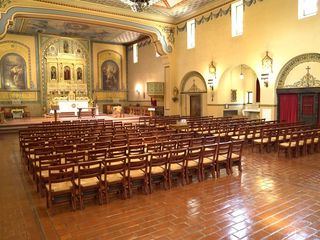
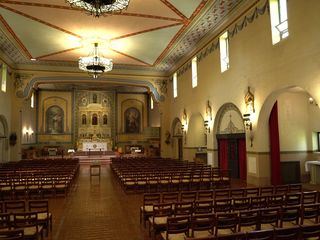
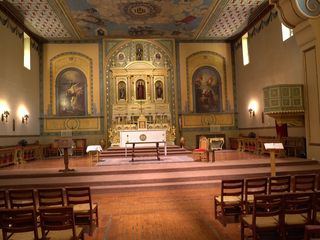
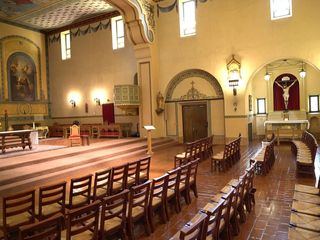
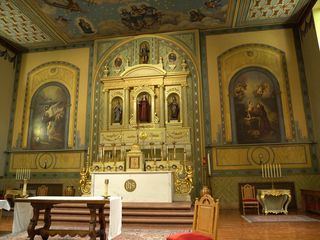
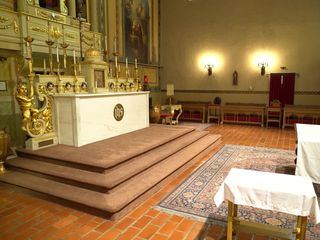
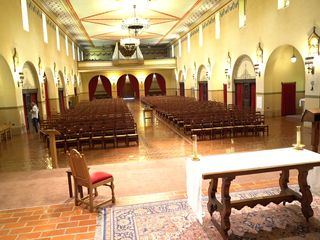
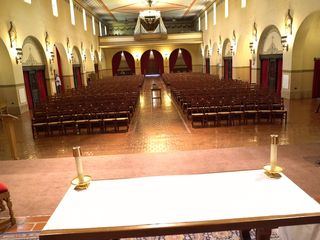
Church
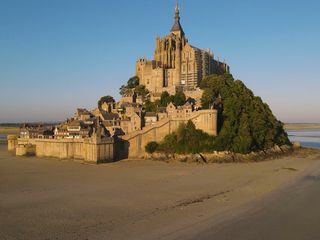
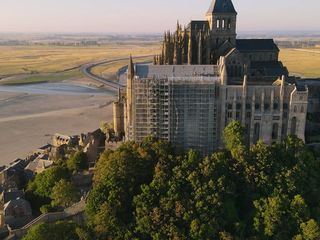
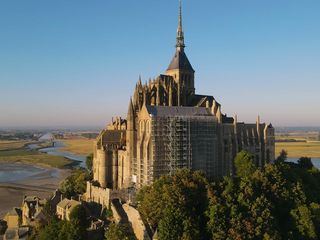
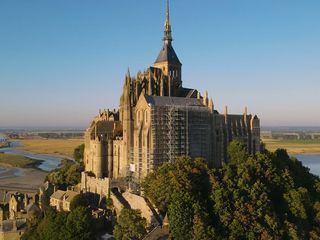
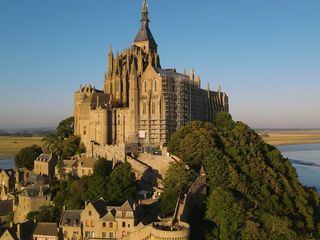
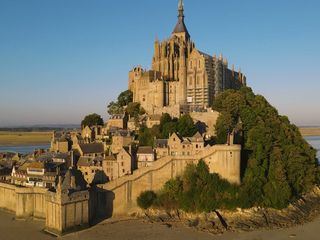
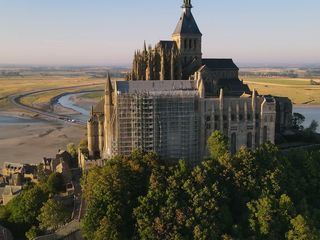
Mont-Saint-Michel
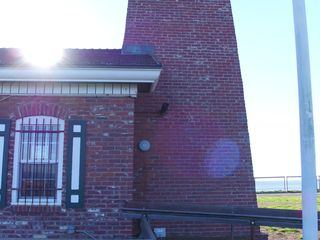
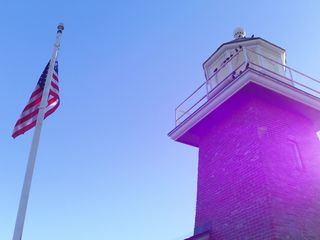
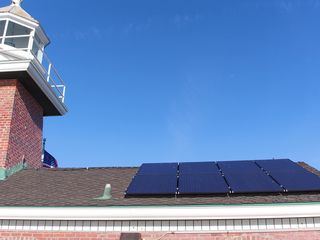
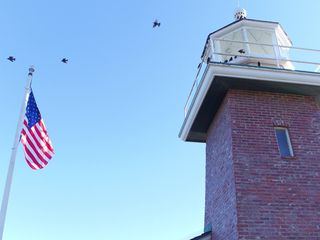
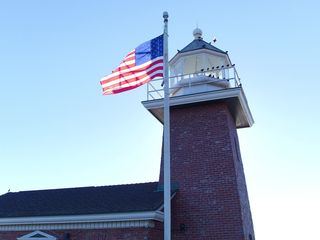
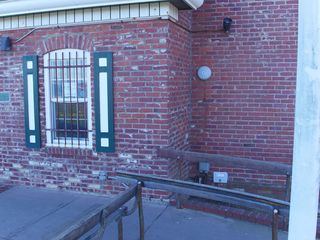
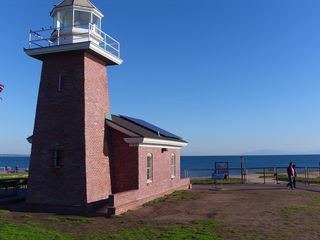
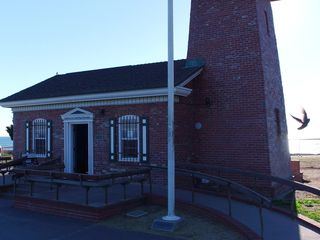
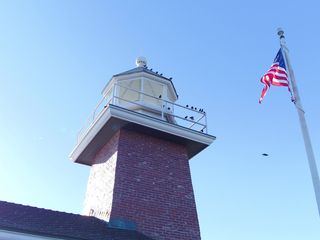
Lighthouse

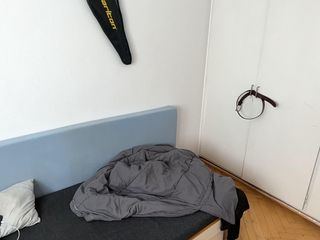
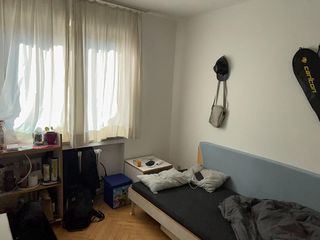
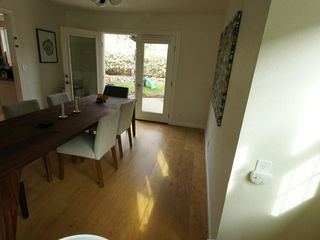
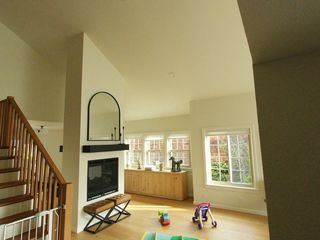
Input9 context views

Output304 frames

Proxy

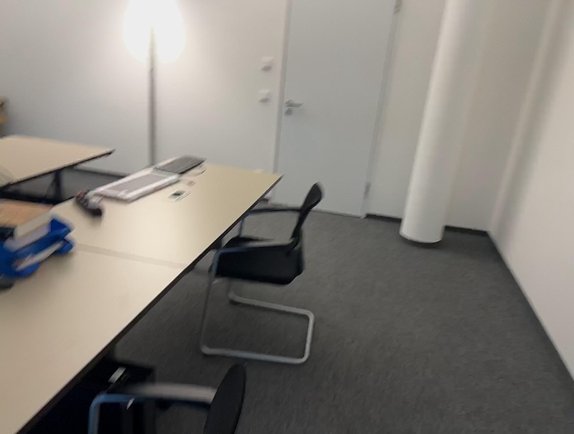
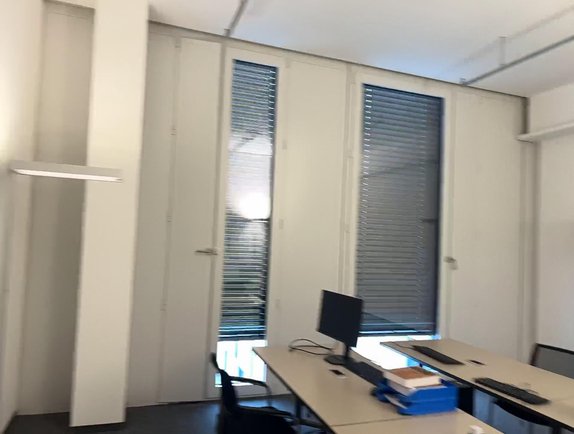
Context views

assets/1_spatial_exploration/real_scenes/office/   stage_3d_view.mp4 · proxy.mp4 · generated.mp4
1.2Scenes from a single image

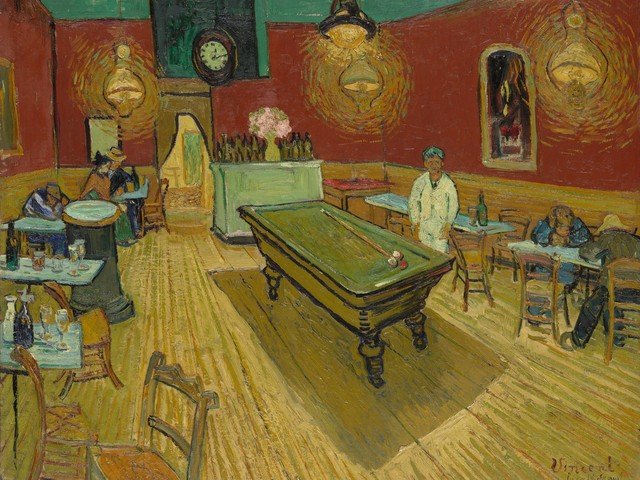
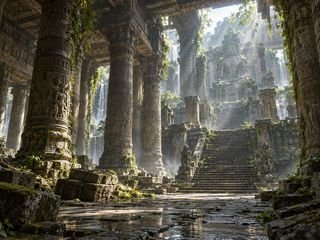
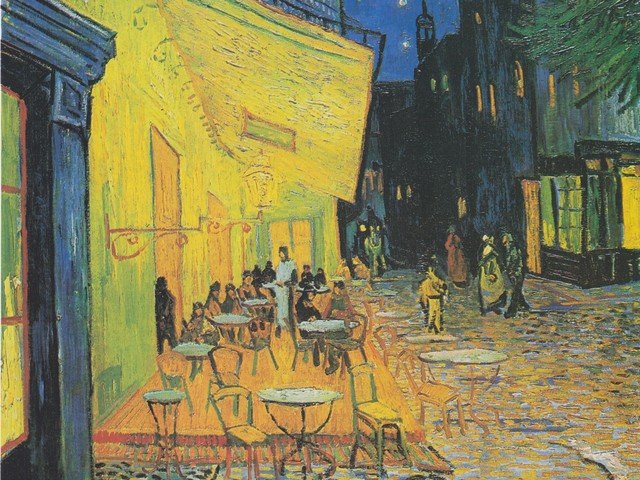
The 3D proxy world is built from one image, a generated image or a painting.

Temple hall
Café Terrace at Night
Mountain garage
Spacecraft hangar
The Night Café
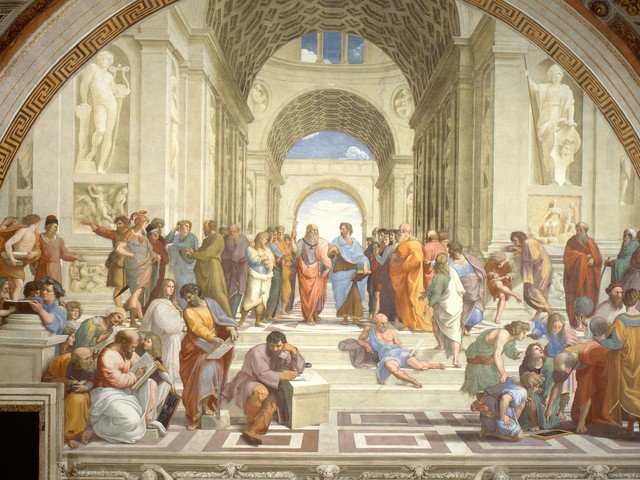
The School of Athens

Input1 image

Output304 frames

Proxy

assets/1_spatial_exploration/single_image_scenes/temple_hall/   stage_3d_view.mp4 · proxy.mp4 · generated.mp4
1.3Number of context views

The same camera path through the office, generated from 1, 3 and 9 context views.

1 context view

3 context views

9 context views

The 9 context views

assets/1_spatial_exploration/context_view_count/   1_context_view.mp4 · 3_context_views.mp4 · 9_context_views.mp4

1.4Long paths in large scenes

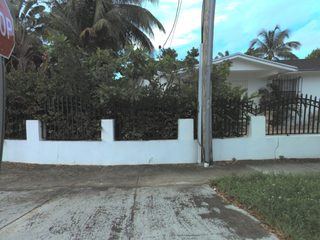
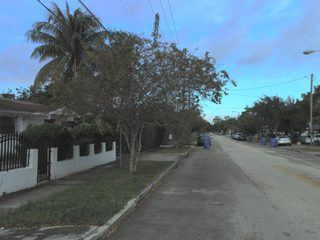
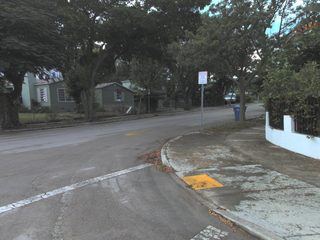
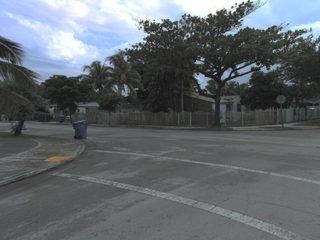
A long path is generated chunk by chunk. Each chunk uses the context views that observe its part of the scene.

House and garden
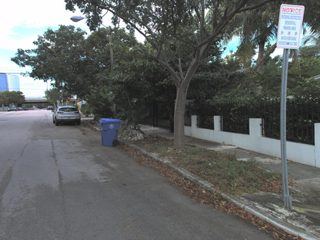
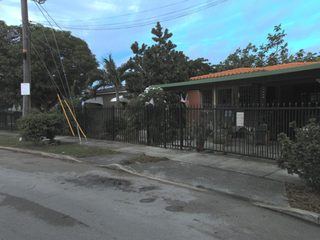
Street junction

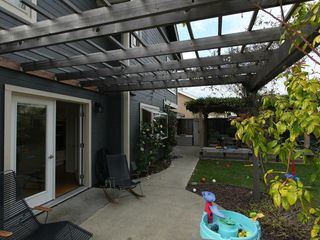
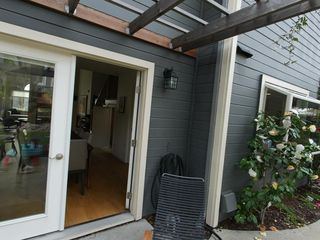
Input19 context views

Output574 frames in 6 chunks

Proxy

Context views

assets/1_spatial_exploration/long_paths/house_and_garden/   stage_3d_view.mp4 · proxy.mp4 · generated.mp4

02

Physical interaction

The scene program gives objects physical properties and actions. A physics engine simulates them, and Mundo renders the simulated motion with the appearance of the context views.

2.1Editing the scene program

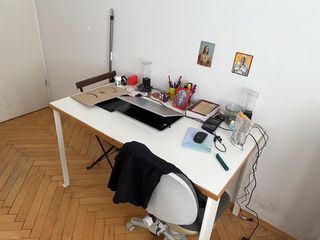
One office reconstructed from 9 context views. Each card runs one line of the scene program on it.

bin.shove(dir='front', force=3.6, at=0.28)

Proxy

Output

A steady push at the rim of the blue bucket, slightly stronger, leans it forward past its balance point.

assets/2_physical_interaction/scene_program/bin_front/   proxy.mp4 · generated.mp4

bin.shove(dir='pedestal', force=6, at=0.08)

Proxy

Output

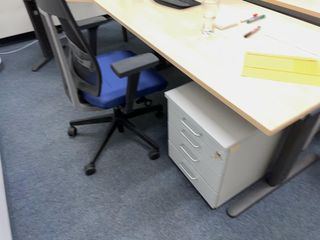
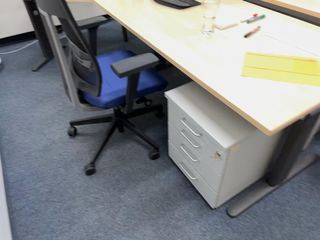
A firmer push at the bottom of the blue bucket slides it about 26 centimetres across the carpet until it bumps into the side of the white pedestal.

assets/2_physical_interaction/scene_program/bin_pedestal/   proxy.mp4 · generated.mp4

chair.pull(dir='out', force=18, at="armrest")

Proxy

Output

The swivel chair is drawn back by one armrest: it rolls about 33 centimetres back from the desk on its casters while the seat swings round by about 90 degrees, then slows and stops short of the wall behind it.

assets/2_physical_interaction/scene_program/chair_out/   proxy.mp4 · generated.mp4

desk.pound(at="front of keyboard", force=6000)

Proxy

Output

A hard blow pounds the near desk top just in front of the keyboard.

assets/2_physical_interaction/scene_program/desk_pound/   proxy.mp4 · generated.mp4

pedestal.drawer(3).open(0.30)

Proxy

Output

The third drawer of the white pedestal slides straight out about 30 centimetres on its rails and stops.

assets/2_physical_interaction/scene_program/drawer/   proxy.mp4 · generated.mp4

monitor.push(dir='back', force=36, at=0.44)

Proxy

Output

A push at the top of the monitor tips it backward.

assets/2_physical_interaction/scene_program/monitor_back/   proxy.mp4 · generated.mp4

A longer program on the same office. A drawer opens, an apple floats out and is thrown at the monitor, and the scene freezes at the impact while the camera keeps moving.

t = office.timeline()
t.at(0.60).run(drawer.open(0.28))
t.at(1.90).run(apple.float_to(front_of=monitor))
t.at(3.20).playback(rate=0.2)
t.at(3.45).run(apple.throw(at=monitor.top, speed=13.5))
t.at(5.00).freeze(7.5)
t.at(15.40).playback(rate=1.0)

Proxy

Output

assets/2_physical_interaction/scene_program/apple_throw/   proxy.mp4 · generated.mp4

2.2Physical interactions from a single image

Each scene is built from one image. The listed physical parameters are set in its scene program.

Three materials
Strike
Gravity off
Chain reaction
Barrels
A sixth of g
Off the stack

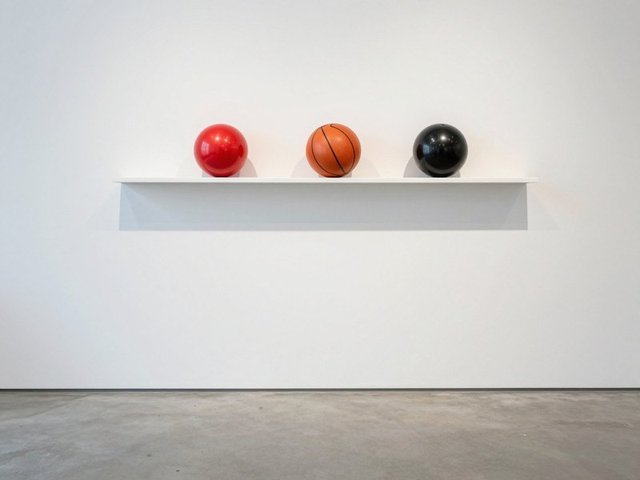
Three materials. A spring shelf drops three balls of the same size from the same height; only their materials differ.

drop 0.98 m · mass 0.35 · 0.60 · 6.5 kg

Inputgenerated image

Proxy

Output

assets/2_physical_interaction/single_image/three_balls/   input_image.jpg · proxy.mp4 · generated.mp4
03

Embodied simulation

Simulation-ready robots are placed into the 3D proxy world, simulated, and rendered into videos.

3.1Navigation

A humanoid walks a planned route through the reconstructed office.

Outputfollowing camera

Outputhead camera of the robot

assets/3_embodied_simulation/navigation/   following_camera.mp4 · head_camera.mp4

3.2Manipulation

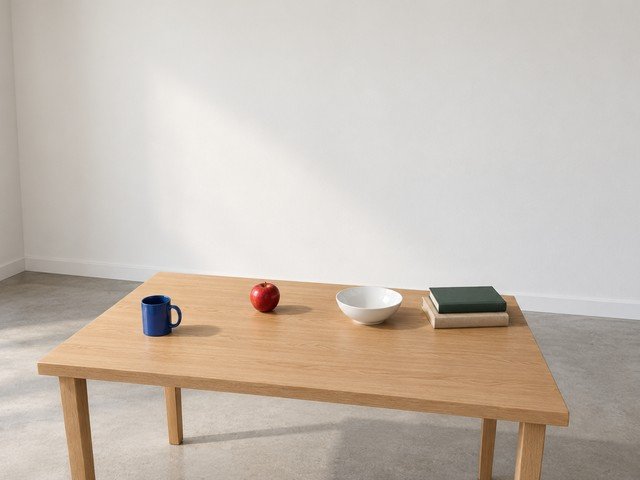
Four robots perform the same task in a scene built from a single image.

Input1 image

OutputFixed-base arm

Proxy

OutputMobile manipulator

Proxy

OutputTelescopic-arm robot

Proxy

OutputDual-arm wheeled robot

Proxy

assets/3_embodied_simulation/manipulation/apple_into_the_bowl/   input_image.jpg · 1_fixed_base_arm_generated.mp4 · 1_fixed_base_arm_proxy.mp4 · 2_mobile_manipulator_generated.mp4 · 2_mobile_manipulator_proxy.mp4 · 3_telescopic_arm_robot_generated.mp4 · 3_telescopic_arm_robot_proxy.mp4 · 4_dual_arm_wheeled_robot_generated.mp4 · 4_dual_arm_wheeled_robot_proxy.mp4
04

Bullet time

The scene is frozen at a chosen moment while the camera keeps moving, and then time resumes.

Two arms and a basketcaptured video

Hand and clampdataset video

Oncoming truckdataset video

Falling chess kingssimulated

Falling drumssimulated

assets/4_bullet_time/   two_arms_and_a_basket.mp4 · hand_and_clamp.mp4 · oncoming_truck.mp4 · falling_chess_kings.mp4 · falling_drums.mp4

05

Dense 3D tracking

Mundo generates each video from a simulated world state, so the 3D trajectory of every point on the simulated objects comes with the video.

A humanoid walks through the reconstructed office. 247 points on the robot.

Outputleft: generated video · right: with dense 3D tracks

assets/5_dense_3d_tracking/   robot_navigation.mp4

06

Comparisons

Mundo next to existing methods on the two tasks evaluated in the paper.

6.1Spatial exploration

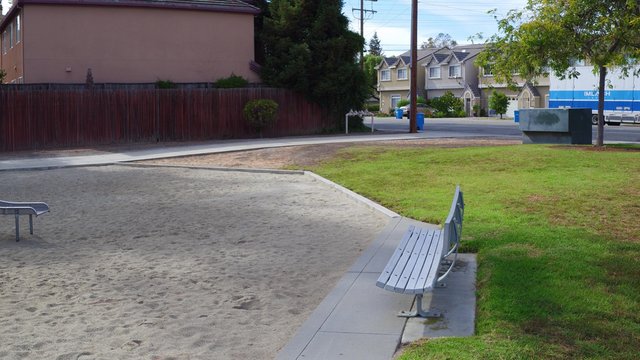
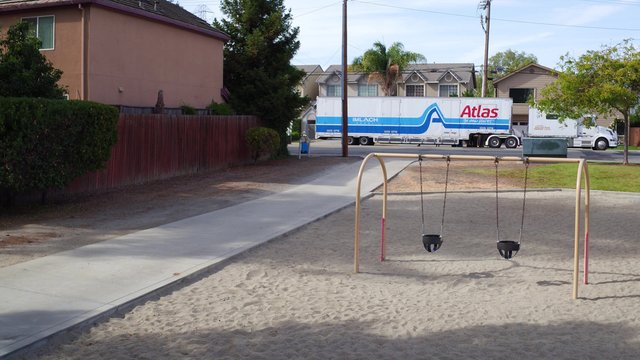
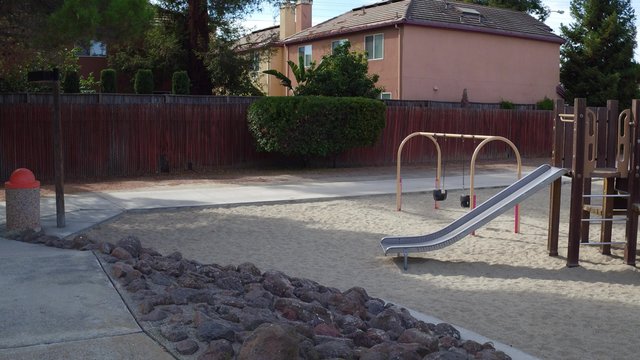
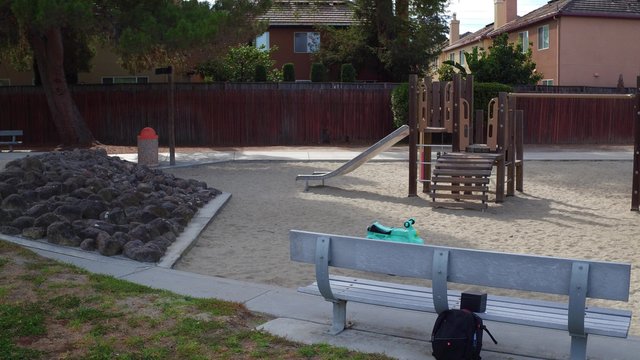
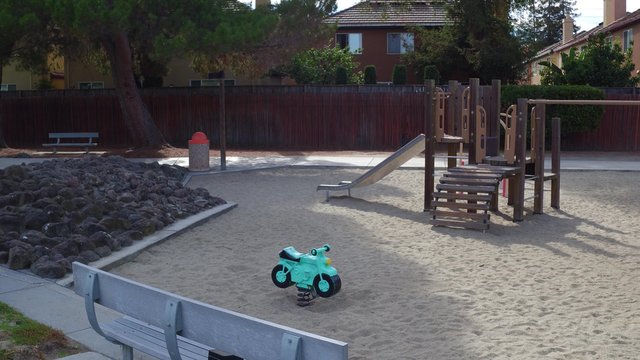
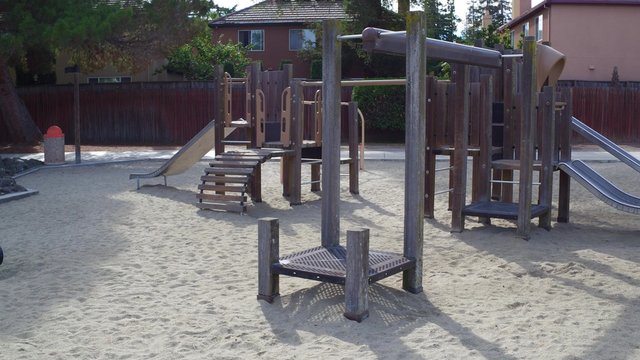
All methods receive the same context views and camera path. Ground truth exists at 13 keyframes of the path, so its tile advances keyframe by keyframe.

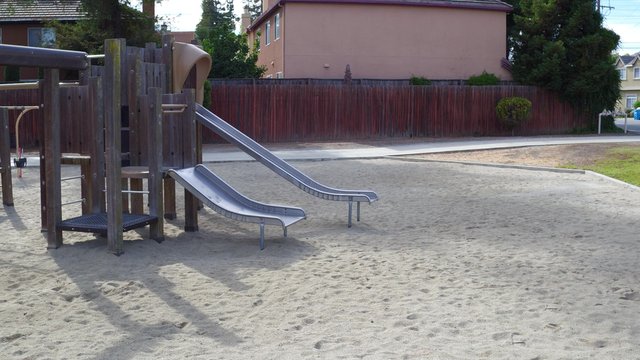
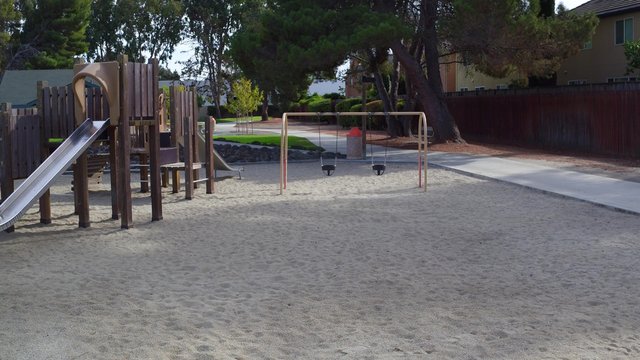
Context views

assets/6_comparisons/spatial_exploration/   outdoor_playground.mp4
6.2Physical interaction

The Simulation tile shows the motion given by the physics engine. Videos with a different frame rate are aligned in time.

Input image

assets/6_comparisons/physical_interaction/   box_off_desk.mp4